

Tech Ed 4 Kids Partners with Parents, Students, and Teachers to Measurably Propel Student Achievement in Science, Technology, Engineering and Math

Chronos Bomb Game
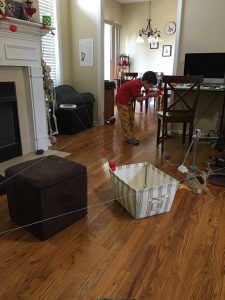
Setting Up Chronos Bomb
For the holidays my little one wanted a game advertised on TV, Chronos Bomb. I haven’t seen it advertised since, but the commercial made it look like fun. The game includes a timer built in, with gyros…. The gyro is attached to wires on clamped that are attached to furniture or other ledges throughout the room. We also tried outside and put it on part of our swing set.
The game included several clamps, a roll that will wind the wire back and the timer that will go off if time runs out or a wire is touched.
Review
We found that the wires weren’t really that long. It did get my youngest moving and active, but the cables weren’t long enough to have a large maze to play with. My little one did enjoy playing with the game and we enjoyed setting it up. We were able to set it up with a new configuration every time! We have quit playing it recently though, but that tends to happen with lots of our games. The wires are too short for the bigger boys to play with. I can rate this fairly high for getting kids off the couch and giving us a few days of active play, but it didn’t hold my son’s attention. We do still have it, and may pull it out again when the weather gets warm. I would recommend it for families with several small children and a location with several ledges near each other that can be used to set up a maze.
Flashback Friday -Typewriter
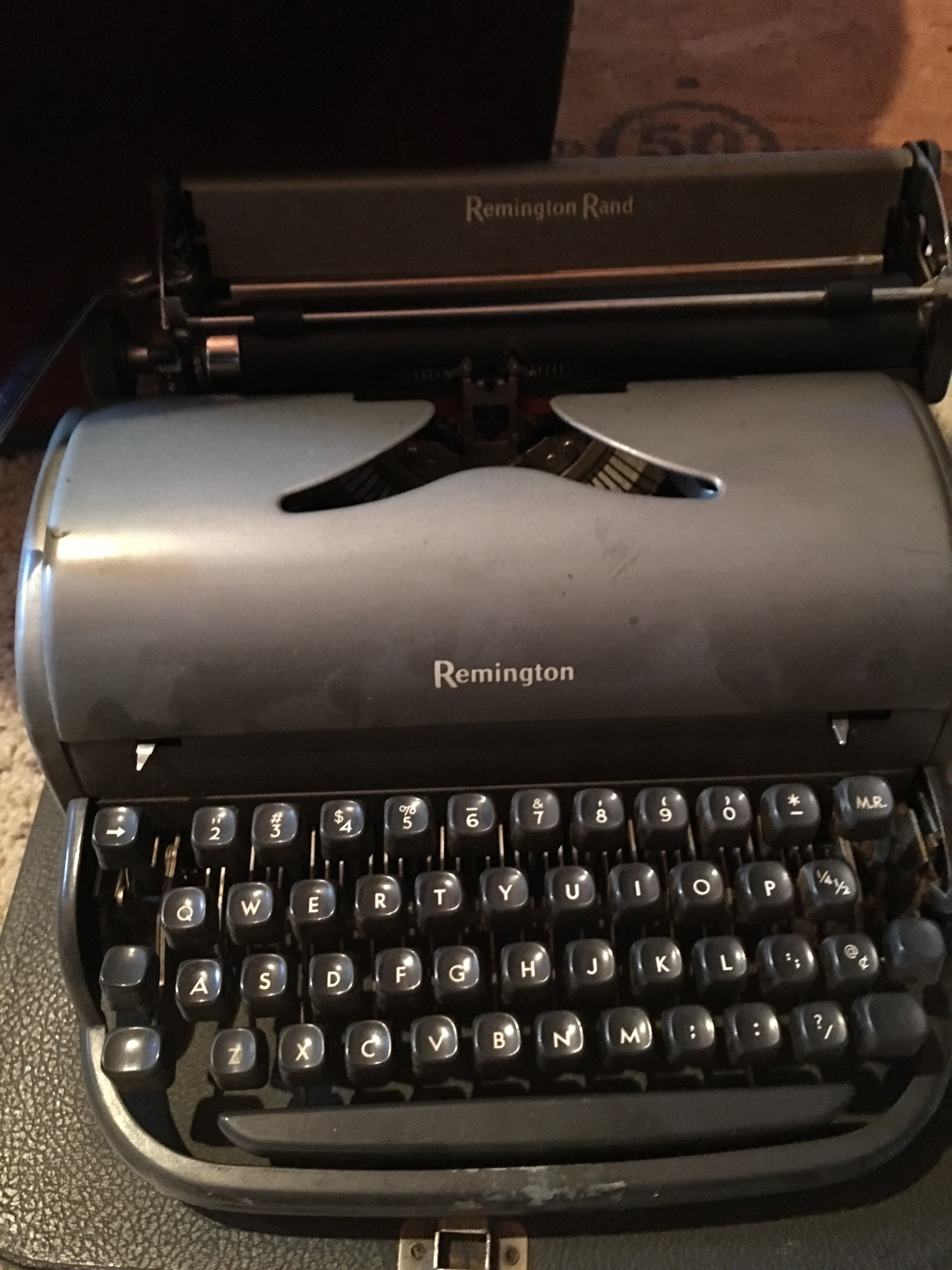
Typewriters are making a comeback. Last holiday season I noticed typewriters at Michaels for sale. They are pretty pastel colors and can be gotten with fancy paper to go with. They are currently about $200 for the new fancy typewriters. I have one of the old ones, I’m not even sure I can get ribbon for mine now. I learned typing in high school when electric typewriters were available. The typewriter I have though is one that was passed down from my mother. – My oldest son actually has one he found at Goodwill. I’m not sure I’ll ever use my typewriter again, but it’s one of the things that comes with me despite being super heavy.
Some of the old typewriters had ribbons that allowed you to press a shift key that raised the ball (or the ribbon) to allow the typewriter to type on a red portion of the ribbon instead. I’ve also seen some of the electric that had a back key and used the same sort of options to allow you to use a white out section of tape.
Why use a Typewriter now:
Typewriters allow forms to be filled in so much easier than using a computer allowed. A paper form can be typed in. Personally I have horrible handwriting so filling in a form with a typewriter allows for a much better, cleaner look. I’d almost consider it so that I could fill in school forms and other papers making them readable!
Bullying and Coding
I have all boys who do like computer programming. My oldest is now a computer programmer and going back to school soon for a PhD in Computer Science and my middle son thought majoring in Physics is writing computer games all the time. While in grade school the kids were involved in programming robots and competing in robotics tournaments – FIRST LEGO League.
I started programming in high school when my aunt and grandmother got me a Commodore 64. The school had a TRS 80 and my senior year I was able to take a class in basic to go with what I was doing at home. The TRS 80 was a little different than my C64. The TRS 80s were hooked together in a change with the operating system coming from one main computer in the middle. I still remember one day when the whole system locked up and the teacher wasn’t in the room. I said, hey we can just pull out the disk and reboot not knowing that that every computer would need to be restarted – they were all hooked together! I finally learned how a dumb terminal worked.
There was one computer that had modem. The internet wasn’t the way it is now and bulletin board systems were the way to connect. One computer would connect at a time through a dial up modem – the BBS was on an Apple IIe computer. You could connect and leave message, kind of like a forum is now. Then hang up and later you would connect again to see if you had any messages. Our sign in was our phone number (it’s funny the things I remember)…. mine on my C64 operated at 800 bps. You could read the screen as it scrolled in new information. With the Apple IIe break keys you could even get out to the system. There was a code to page the operator too. The operator was a college student at the local community college and we would spend some time talking to the magical person once in a while also.
In class we would learn the BASIC language with the TRS80. I remember writing a program to put up a picture of a house with snow falling on the screen. Each pixel had to be turned off and on individually, so to set the screen up we used graph paper. Anymore everything is WYSIWYG. At the time though I loved that class. I went on to write a program in my first year of college for a small business to use as an inventory program on the C64. My first paid job on the computer and it was C64 in BASIC (1986)!
I still remember in High School at my senior prom being embarrassed though by the insulting speech that made it sound like I was only doing programming because of a boy in the class and was following around after him. At that time hardly anyone else had a computer…. I went on to be a computer programmer and he is now working at another job. It made that prom memorable for all the wrong reasons. Game consoles were the Atari 2600 and ET, space invaders, and Pacman were big games at the time…. Think monochrome screens. Not every boy or girl needs to learn to program, but every boy and girl needs to be allowed the opportunity to learn if they are inclined. They also deserve to not be discouraged.
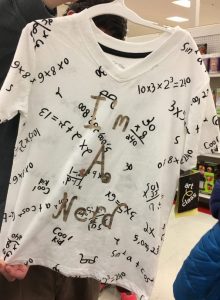 Think of how often you hear or have even seen on TV the idea that math is tough. Math and Computer people are strange. I noticed a shirt I’m a Nerd. I thought the shirt was cool, but I remember nerds and geeks having a bad connotation. Anyone remember Revenge of the Nerds? How back thinking instead of Danica McKellar – from Wonder Years! Danica McKellar not only is a really cool TV star, mom, but also a Math star! She has a channel on Nerdist with “Math Bites”, her new book is “Goodnight Math”, and her previous book including things like “Kiss my Math”. She’s a great roll model for young girls. Encourage don’t Discourage!
https://otvmagazine.com/2017/03/13/girls-who-write-code/
Facebook is really becoming a site for adults as much or more so than kids. It serves as a place to post what is going on with your day, interact with friends, get advice from your friends and family, share what’s up with your day and interact. You have a main news feed that lets you see what is going on with everyone, groups that let you interact, and pages that let you see what businesses and groups have posted.
Within your news feed you see things your friends have let you see. You can set any post you would like to share to a privacy allowing them to be seen by yourself only, friends, friends except acquaintances, or a custom list. Users can also set the privacy for their friends list and several other parts of their account. My suggestion is to set your friends list to be viewed either by friends only or to private (only me). Accounts are being cloned daily and the accounts then use public friends lists to get access to everyone you know.
Groups have three types: secret, closed, or open.
- Open allow everyone to see everything posted. Personally i stay away from open groups most of the time.
- Closed allow people to see that the group exists, but not what’s posted unless they join.
- Secret means a member has to be added by a current member.
Pages also have types, but are usually associated with a business or an organization.
I belong to several groups, groups for moms, groups for crafts, groups for buying at a discount, and more. Some groups have rules that allow everyone to speak freely and others ask that people follow certain rules. Some have the group posts set to be moderating – waiting to be approved until they are checked out by a moderator.
The group sanctimommies is completely based on the premise of moms posting information about their kids and life and other moms telling them what they are doing wrong. Other groups are there to make other moms feel better! I belong to a group that has a drawing every three months shuffling names and then each mom trades off gifts twice a month. The swap is anonymous, with a big reveal at the end of each quarter.
I
Smart Tvs
We have a smart tv in our living room… actually we have a Kindle Fire, a Roku, an Apple TV, and a few other things. The smart tv though is one of my favorites. It is all built into the tv, meaning one remote. Around our house remotes are lost easily and then we have to play the game where we pull out the couch and look under everything. It gets really tough when the remote is lost inside the couch!
Our smart tv let us pull up Amazon Prime Video, Hulu, Netflix and more. Besides the videos to let me get a break, there are also lots of great educational shows… some aren’t even made as educational but can be made into educational with the right spin. Take the movie Shaun the Sheep. My son loved that movie when we watched it last week. Normally I wouldn’t say this was an educational move, but besides the discussion about farming, sheep sheering, what the dogs are used for on a farm and why the rooster crows in the morning – there is also the fact that the movie is clay-motion.
The movie has no spoken parts and is made up with clay characters that are moved a little at a time and then pieced together with individual pictures. That’s a lot of pictures. There can be math involved besides the experience of planning and making your own stop motion movie. I’ve seen this type of movie done also with Legos. If you search stop motion Lego movies you will find lots of tries from kids (and adults) that have decided to give it a try.
When it’s Legos they actually are nicknamed Brikfilms. Tutorials are available all over the web on how to make your own movie!
We love turning the shows we watch into educational opportunities for our kids. When my little one really finds the show interesting and funny it makes it all the better. Our smart tv makes it a little easier to keep everything in one place. – I do like our Apple TV which will let me put my phone onto the TV and can play from iTunes which the smart TV doesn’t… but the Smart TV is just one tool that makes life easier.
10 Facebook Groups for Science
Tech Ed has a Facebook Page, where we can share information with everyone, but many organizations also have facebook groups to interact. Groups allow people to ask questions, get answers, search, and interact. In groups you can meet people that are having similar issues, the same interests, or even just want to talk and interact on the same subjects as you as well as find answers to questions. Facebook groups frequently can be a quick way to get an answer to a question. I don’t belong to all of the groups below (I do belong to some of them), but there are a huge number of groups available on every topic. I’ve seen questions on everything from drones to chemical reactions. Some of the groups veer off and discuss topics such as science in the schools, myths that are being spread (see the recent flat Earth statements), and even discussions on why people home school.
Facebook Groups:
1.Science Snippets
https://www.facebook.com/groups/scisnippets/?ref=br_rs
A place to learn about science, physics, biology, chemistry and more in an easily digestible form.
Members are welcome to post science-related posts but if a post is found to be scientifically questionable it may be removed by a mod.
2.Homeschool Lapbooks
https://www.facebook.com/groups/58709496909/
This is a group focused on Lapbooking! We will learn, chat, and share about lapbooking ideas. This group is owned and operated by Cyndi Kinney from Knowledge Box Central. While we welcome information about lapbooks we ask that you not advertise on our page. If there is a product you carry that meets the needs of someone posting in our group, please feel free to share it with them.
3.Parents Who Science:
https://www.facebook.com/groups/parentswhoscience/?ref=br_rs
Welcome to Parents Who Science, an evidence-based group for discussion of all matters relating to being a parent.
4.Homeschool Curriculum Marketplace
https://www.facebook.com/groups/Homeschool.Curriulum.Marketplace/
5. Secular Homeschool Families
https://www.facebook.com/groups/Secular.Homeschool.Families/
6.Homeschooling with Netflix
https://www.facebook.com/groups/153434258146309/
There is nothing easier than sitting the kids in front of Netflix to get a break for a few minutes to take a shower or fix dinner. It turns out you can watch educational shows there too!
7.Virtual Homeschool Group
https://www.facebook.com/groups/141433042565491/
Tips for homeschooling, including information to help answer questions on math and science that are over our heads.
8.Secular Homeschool Curiculum
https://www.facebook.com/groups/SecularHomeschoolCurriculum/
This includes things for sale, but it also includes tips. I just noticed parents suggesting to other parents to make your own labels for the bones of a skeleton to learn the parts of the body (bones wise).
9.These two have really cool 3D Printer projects! Make your own keychain, phone case, or even a replacement door bell button (yep, that’s what I did!)
3D Printer
https://www.facebook.com/groups/266274396842958/
3D Printer DIY
https://www.facebook.com/groups/266274396842958/
10. Everything is Science
https://www.facebook.com/groups/EverythingIsScience/?ref=br_rs
We discuss only science here. But everything is science, yay!
There are also lots of great groups on every subject you can imagine! robots, 3d printers, drones, math and more!
About Me
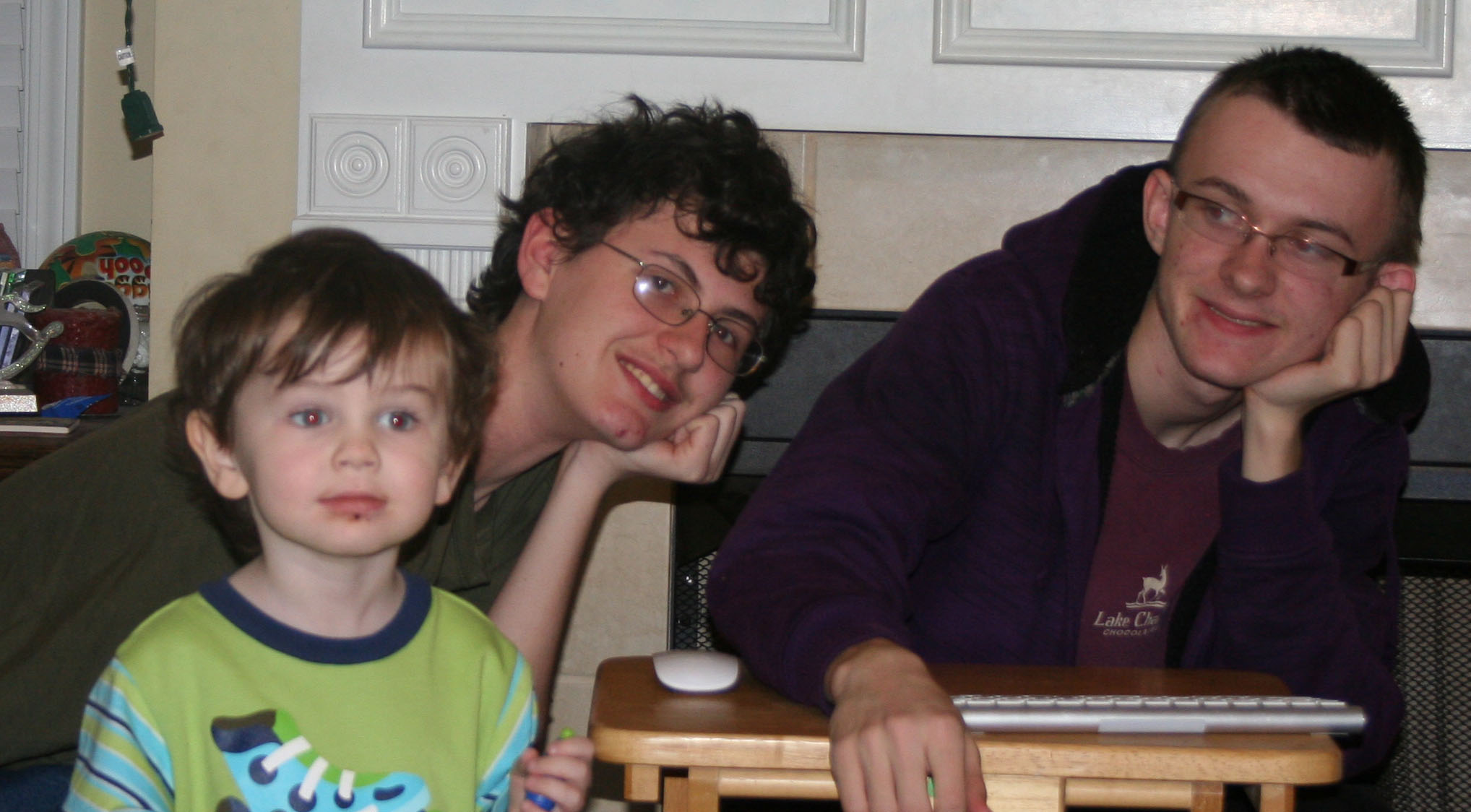 I am a SAHM/WAHM of three boys ranging in age from 16 to 32. We are working on saving enough for college at the same time as dealing with school and our older independent kids. I author a few blogs, including http://teched4kids.com. I have in the past taught computer information technology classes for the local university and taught workshops for kid's in technology education besides being the Kentucky State FIRST LEGO League Championship Coordinator from 2005 to 2008. I now work as a computer consultant, run a handmade home business, and am available for workshops. Life here is always an adventure!