

Tech Ed 4 Kids Partners with Parents, Students, and Teachers to Measurably Propel Student Achievement in Science, Technology, Engineering and Math

Getting Kids Excited about Reading
One great way to get kids excited about reading is to find books that match their interest. One interest around our house is Minecraft! Thanks to free Kindle books, I’ve found a ton of free books without spending a dime.
Kindle books can be read on all sorts of devices with free apps, including your computer. My son’s favorites are Minecraft books. We stalk the sites watching for he books to become available. We now have several diaries (including Ninja Steve). Today is Minecraft Secrets Free!
7th Guest App
Years ago, and I mean about 20 years ago, my favorite game was 7th Guest. My husband was nice enough to indulge me and let me stay up for days playing it (doing nothing else). You can actually now find a walkthrough with cheat codes here. Though the game ran on Windows 95 if I remember correctly. My inlaws (thanks Bruce and George) were playing it in Connecticut during our visit, and I loved it. I proceeded to play until I completed the whole game. We went on to try 11th Hour and Phantasmagoria.
The 7th Guest, produced by Trilobyte and originally released by Virgin Games in 1993,[1] is an interactive moviepuzzle adventure game. It was one of the first computer video games to be released only on CD-ROM. The 7th Guest is a horror story told from the unfolding perspective of the player, as an amnesiac. The game received a great amount of press attention for making live action video clips a core part of its gameplay, for its unprecedented amount of pre-rendered 3D graphics, and for its adult content. In addition, the game was very successful, with over two million copies sold, and is widely regarded as a killer app that accelerated the sales of CD-ROM drives. The 7th Guest has subsequently been re-released on Apple’s app store for various systems such as the Mac.[2]Bill Gates called The 7th Guest “the new standard in interactive entertainment.”[3]
In the game involves going through a house that several children have disappeared inside. As you find unlocked rooms you are confronted with puzzles that when solved unlock movies telling a part of the tale and unlocking more rooms (with puzzles). A third sequel has been put into development (from a Kickstarter project) called The 13th Doll.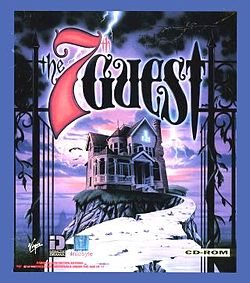
For Halloween, Steam (yes, I always avoid it) has a bundle of the 7th Guest and the 11th Hour for a few dollars (less than $5). I broke down and bought it myself. I also located 7th Guest as a Kindle Fire app.
Games with puzzles are great for developing problem solving skills for kids!
Halloween Game Apps
There are many Halloween game apps available. I happened to notice TOCA BOCA has one. – Toca Boo: You get to BE the ghost!
Being scary in a nice way
Bonnie lives with her family in a big, old house. It’s almost bedtime, and everyone is getting ready for bed — everyone but Bonnie. She has just dressed up as a ghost, and is sneaking around the house trying to scare her family as much as possible! And she needs your help!
The play design of this app is based on a game you’ve probably experienced: A giggling kid hides behind a curtain and suddenly jumps out to surprise you. The bigger your reaction, the more amusing it is to the kid.

My youngest loves the Toca apps, so we have just downloaded it to give it a try next. My youngest frequently goes back to the Toca apps (especially Toca Nature) when he is looking for something to do. This app isn’t educational per se, but it does look fun and some reading is included.
Have a safe Halloween!
Coding for Kids -How to Code Book
How to Code! This book uses Scratch software to teach the coding skills to create your own computer game and design your own website.
Broken down into 10 lessons the book explains how to use Scratch coding software to give coding instructions, write simple code, and use loops; debug and fix code; and use coding knowledge to create a simple computer game and a webpage using simple HTML. With easy-to-follow explanations accompanied by clear, step-by-step graphics throughout, this is a great first coding book for middle-school children, ages 8+ interested in learning about computer science and web design.
You can download the program Scratch at MIT.
With Scratch, you can program your own interactive stories, games, and animations — and share your creations with others in the online community.
Scratch helps young people learn to think creatively, reason systematically, and work collaboratively — essential skills for life in the 21st century.
Scratch is a project of the Lifelong Kindergarten Group at the MIT Media Lab. It is provided free of charge.
This book is one of many available with tutorials to get kids started on the road to learning the foundation of a computer language. It allows children 8 (and sometimes younger) to start programming. – Moving kids from playing games others wrote to playing games they wrote themselves!
Labels for Kids and Too much Tech?
My son has a label and he also gets that look from some moms when they find out how many hours he spends in front of a device….. What’s funny is that they don’t also know how much time he spends running through the house. Given a fitbit (or other recording device), I’m fairly certain that my son would put any of them to shame – yet we were sitting in a meeting a couple weeks ago and got to hear a research project that is going on with our kids that involves setting goals for activities and then withholding electronics from them if they don’t meet those goals.
There was no chance to pull her aside first and explain that my son would take everything she said and put his own interpretation on it. Believe me, I’ve been there. I once told my son he couldn’t play a game until he went to preschool (the one he had taken a dislike to on the third day for a reason I couldn’t identify) – Let’s just say that game never got played again, ever. My little one will do things in his best interest, but reasoning with him goes much further than do this or no that. Additionally when asked how many hours he spends on a device, there was no taking into account that half that time he is galloping around in circles through the house while I hope he doesn’t bump his toe again and have a melt down.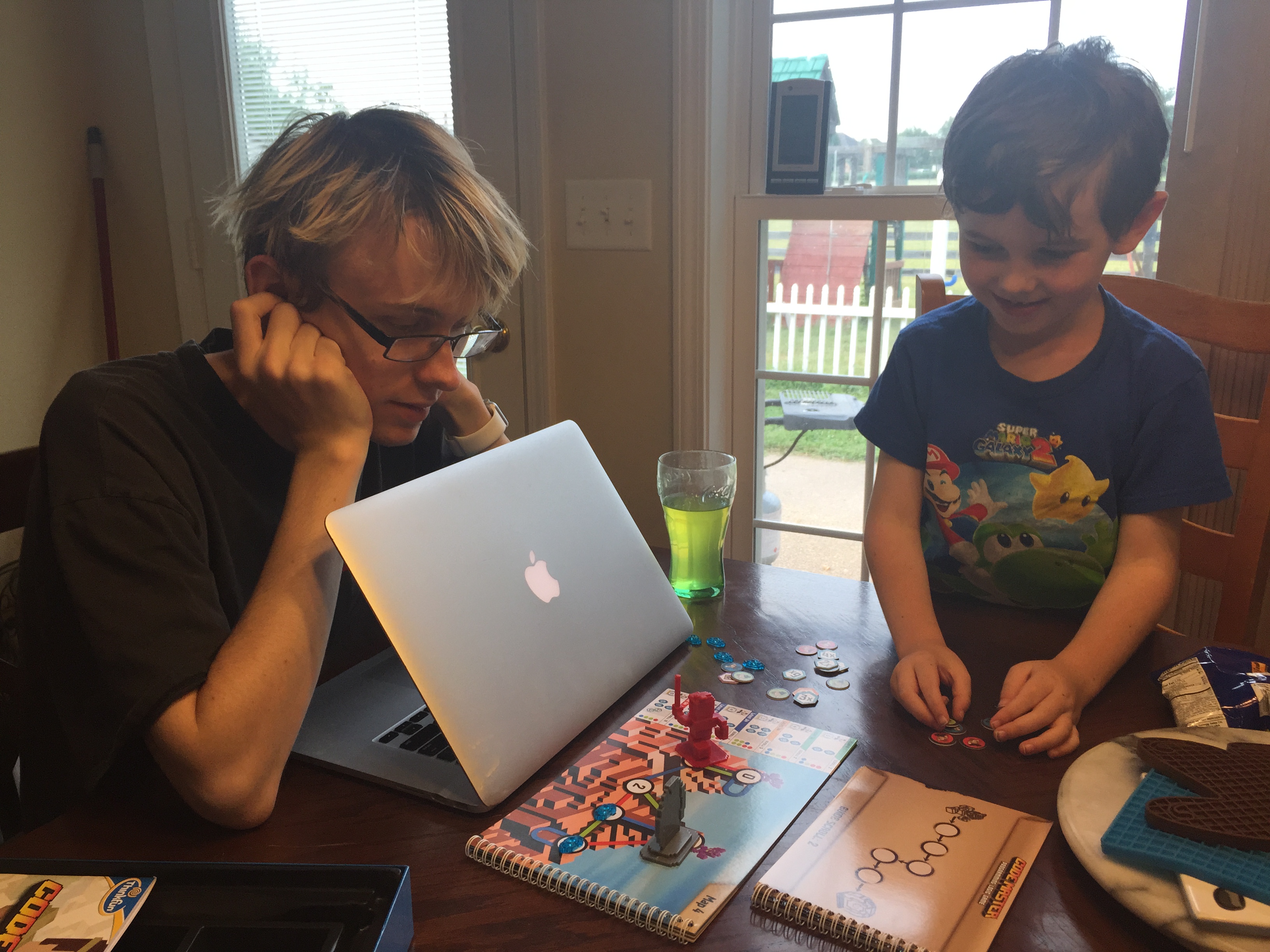
For those that haven’t guessed, my youngest has an ASD diagnosis. It doesn’t change him, he’s still the same wonderful, friendly boy that he has always been. He just has his own quirky way of looking at the world that is different from the way we interpret them. He also tries very hard to assimilate into the world around him. He listens to his friends jokes and tries to repeat them to us, he looks at their favorite clothes trends and tries to follow if they fit with something he’s willing to wear, and he tries sports too (soccer and golf are his favorites).
So where to draw the line for too much time on the television, games, and watching videos? We also do a lot of activities after school – where do you draw the line on that too? Isn’t it nice to just sit and pretend to be a vegetable for a few minutes (though I don’t really see my son do that for long) He draws a lot from video, games, and tv. They are great talking points for him. He is extremely talkative and will tell any adult all about his latest favorite, picking up parts of the show or game that we had no clue even happened (and he remembers every detail).
And the big question, how do you handle other mom’s criticism, especially when they may only know half the story? It’s not really required to explain about my son, his diagnosis, all the hours he spends running in circles…. How do you get past feeling that you have to justify parenting decisions?
Text Messaging! It’s not just for teens.
My youngest has his iPad (soon to be 7) and loves to play on it. Recently he discovered texting, he can send a text from his iPad to any other iDevice. I will admit once in a while it does take away from the ‘get up and walk into the next room!’ but I’ve noticed when he has a game question he doesn’t just to run to the nearest person anymore. He opens up a text window and texts his brother.
Not only that, but his brother texts him links to videos he might like to see. My little one then reopens them later to get back to the videos. My older two have now moved up and out o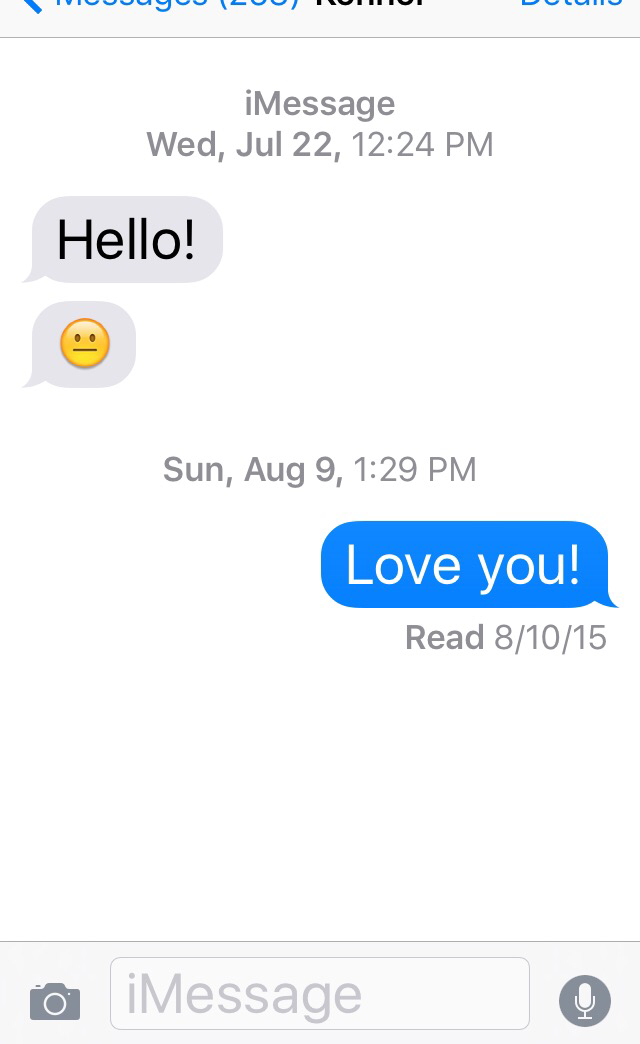 f the house, so this is a great way for them to all stay in touch.
He’s also learning though:
Spelling
Interaction with family (it really is a communication device)
I really need to make sure his brothers censor the videos first. Being adult kids, I have heard some language in the videos that made me cringe a little. (Our computer for the little one is a desktop in the middle of the living room) All this being said, it is good to keep an eye on who your child interacts with. I do totally trust my older children to text my little one. The rest of his list is pretty short though, grandma, mom and dad, and his brothers are the extent of it.
About Me
 I am a SAHM/WAHM of three boys ranging in age from 16 to 32. We are working on saving enough for college at the same time as dealing with school and our older independent kids. I author a few blogs, including http://teched4kids.com. I have in the past taught computer information technology classes for the local university and taught workshops for kid's in technology education besides being the Kentucky State FIRST LEGO League Championship Coordinator from 2005 to 2008. I now work as a computer consultant, run a handmade home business, and am available for workshops. Life here is always an adventure!