Review – Super Why! for iPad

Super Why! for iPad

My youngest loves Super Why! for iPad.  (He also really likes the show.)  The app is $2.99 – a little high when most apps are $.99 but in this case worth it!  This app followed the story line of the show and had a lot of the same games. – Like fill in the blank. The characters are favorites for kids too and it adds another interactive element to the show for kids.

Help your child achieve the Power to Read with this collection of four SUPER WHY interactive literacy games. Your child can play along with each of the four main characters from the TV series: Alpha Pig, Princess Presto, Wonder Red, and, of course, Super Why, while practicing the alphabet, rhyming, spelling, writing and reading. Super Duper!

Wonderful WoSonderful
Some reviews listed on the site included:

by mamameade

My 4 year old son is non-verbal autistic so I don’t always know what he has learned. He loves the cartoon Super Why, and picked up this app right away. As soon as he saw what it did he loved it. He can now pick the correct letter by name and sound. He is also getting better on the full words and rhyming words.

He now hunts down our i-pod, unlocks it and opens this app first. My only complaint is the limited number of words it has. I would like to see updates that would give new words to spell as my son seems to know them all by heart.

by aavb

And it’s a cute app for my 4 and 6 yr old boys who love the show. Only thing I would change so far is that you can’t set it for more than one player and save your stickers for different kids. I just downloaded it today and it’s working fine so far.

ABOUT SUPER WHY!
Visit pbskids.org/superwhy.


Enhanced by Zemanta
Share
Posted in app reviews | Tagged , , , , , , , , , , | Leave a comment

Review and Giveaway: Mathblaster.com

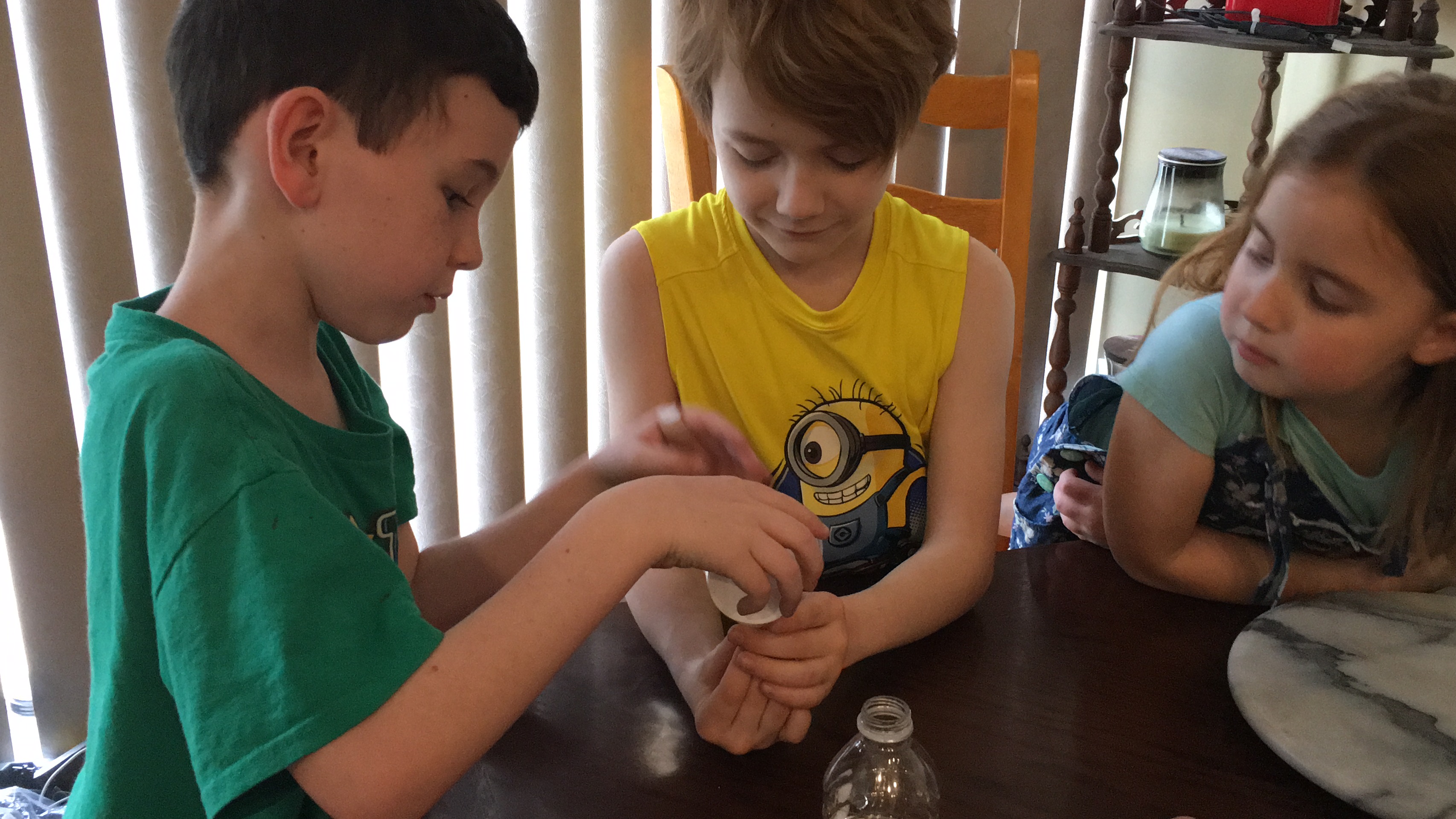
My little one and I were given a chance to try out and review the online virtual world of Math BlasterKnowledge Adventure, the makers of Jumpstart also.  (The picture to the left is my little one creating his avatar.)  We played with both Mathblaster and Jumpstart and he had a great time with both!  Actually I’m now going to have to commit to a subscription since he still is playing it when he gets a chance.

MathBlaster.com is a futuristic online adventure packed with wacky aliens, high-tech gadgets and, of course, math!

As new recruits at the prestigious Blaster Academy, your kids will play arcade-style math games and race through high-speed missions with the help of a cast of characters that are out of this world! After learning the ropes in Blaster Academy, new cadets will join the Intergalactic Space Patrol (ISP), an elite team of Blasters sworn to explore and protect even the furthest galaxies and deepest black holes of the universe. Armed with the most advanced gadgets and fine-tuned math skills, the cadets of the ISP will travel to exotic new planets, discover bizarre alien races and face extraordinary challenges!

Are your kids ready to blast into an intergalactic adventure that adds up to total fun? Click Play Now and let the adventure begin!

I remember Math Blaster and other Knowledge Adventure games from when my older two were little.  They were GREAT educational games then and still are!   The educational skills are embedded in the games helping kids have a great time while learning. My little one was quickly able to master using the arrows and space bar to navigate around.  Shortly after he figured it out though my 15 year old, the middle one, jumped on and had to play for a little while.

You can choose to play free or join the membership option. With membership you get more games, some games to download, and some custom avatar add-ons.   Membership includes both MathBlaster.com and Jumpstart.com. It also allows up to six children in your membership so each child can have their own avatar.  My little one can already identify his own avatar. Additionally he somehow found the chat feature, I received an email asking for permission for him to chat in the game. I think this could be fun if your child’s friends are also playing and helps build reading and writing skills to go along with the math skills.

For kids that love playing video games I would definitely check this out. We had a great time with it and will keep playing it in the future.  Check MathBlaster out at mathblaster.com.  For younger kids (starting at 3), jumpstart.com is a great choice too.  I (and my little one too) loved the duck matching game.

I would highly recommend Jumpstart.com and Mathblaster.com!  Membership is $7.99 a month, $74.99 if you want to pay for a year or a one time payment of $149.99 that gives you lifetime membership.


a Rafflecopter giveaway

Enhanced by Zemanta

Disclosure: I was provided with a JumpStart and Mathblaster membership at no cost by Knowledge Adventure in order to test the product and give my own personal opinions on it. The opinions I have given are mine and were not influenced by the company or the free product provided.

Share
Posted in activities, Cool Technology, education, educational tools, giveaway, home schoolers, teachers resources | Tagged , , , , , , , | Leave a comment

Review – Toy Story 3 Memory

Toy Story 3 Memory Match Game


This game include Easy, Medium, and Hard options and can be played in free play or a timed option.  My youngest enjoys playing it and I do to. It’s great for working on memory.


You flip the cards to find two that match. If they don’t match you try to remember what was there and where there were so that you can match them up with other cards later.  I actually really like these type of games. My favorite character in Toy Story is Mr. Potato Head, but all the characters are fun.  After playing this a few times we always have to watch the movies another time.

This app is also Free making it worth the money.  It’s just over 10 MB, so not too huge given the graphics.  If you like Disney and memory games is definitely worth checking out.  (IMO: Memory skills are a good thing to develop for future academic success.)


Enhanced by Zemanta
Share
Posted in app reviews | Tagged , , , , , , , | 1 Comment

Review – Molecules

Molecules is an application for viewing three-dimensional renderings of molecules and manipulating them using your fingers. You can rotate the molecules by moving your finger across the display, zoom in or out by using two-finger pinch gestures, or pan the molecule by moving two fingers across the screen at once. These structures can be viewed in both ball-and-stick and spacefilling visualization modes.

New molecules can be downloaded from either the RCSB Protein Data Bank (http://www.rcsb.org/pdb), an international repository of biological molecules and their 3-D structures, or NCBI‘s PubChem (http://pubchem.ncbi.nlm.nih.gov), a public database of compounds. Molecules can be downloaded directly to your handheld device and stored there for later viewing.

Custom molecular structures can be downloaded to the application via iTunes file sharing, or through the use of custom URL formats.

Molecules is a BSD-licensed open source project.

For free this is a great app for high school and college students taking Chemistry. You can rotate the molecules around to view the molecule from all sides too.  I’m afraid my knowledge of Chemistry makes it hard for me to review it properly, but it is a colorful app that makes it easy to visualize molecules from all vantage points.

Reviews online are also great:

Good app

by anjing

This is a very nice, simple app. Yes, a color key would be nice. It could also use a noticeable designation for single, double and triple bonds. I would also like to have my list of molecules alphabetized.

This will make a nice reference for use with my students and I will recommend it to them.

by Ron Charlton

Molecules does what it says it will. A color key will make it rate five stars for me. THE PRICE IS NICE!

Enhanced by Zemanta
Share
Posted in app reviews | Tagged , , , , , , , | 1 Comment

Review – Farmers Market

I had a hard time figuring this app out.  Turns out if you touch items on sale it will name them.  I originally kept trying to turn the page.  – I finally figured out I wasn’t doing something wrong, there is only one page. This particular app is free – and it does look like the other apps that are paid are a little better.  I looked up Goldilocks by this same company and it had great reviews.  Farmers Market though isn’t worth the space on your device.  I suspect it’s meant to be a sample of what the developer can do, but I think they would have been better off making a better book – like Goldilocks free to convince people to try more of their products.

I’ve already deleted this one from my device (and my iTunes account).  I’m not inspired to try the others either even though they have great reviews.

Enhanced by Zemanta
Share
Posted in app reviews | Tagged , , , , , , , | Leave a comment